
In August 2026, GCPay released the following features, enhancements, and bug fixes:
Compliance SOV Detail Column
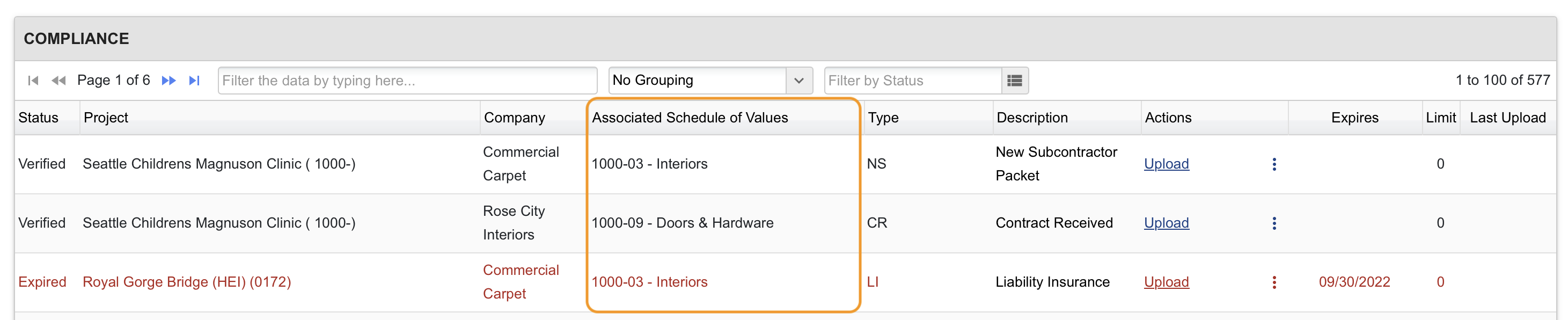
We added a new column showing the Associated Schedule of Values for each subcontractor so it's easier to see which contract a compliance requirement belongs to when a subcontractor has more than one. The column was added to both the company and project-level Compliance tabs.
New G703 Option: Original, Changes, and Adjusted Amounts
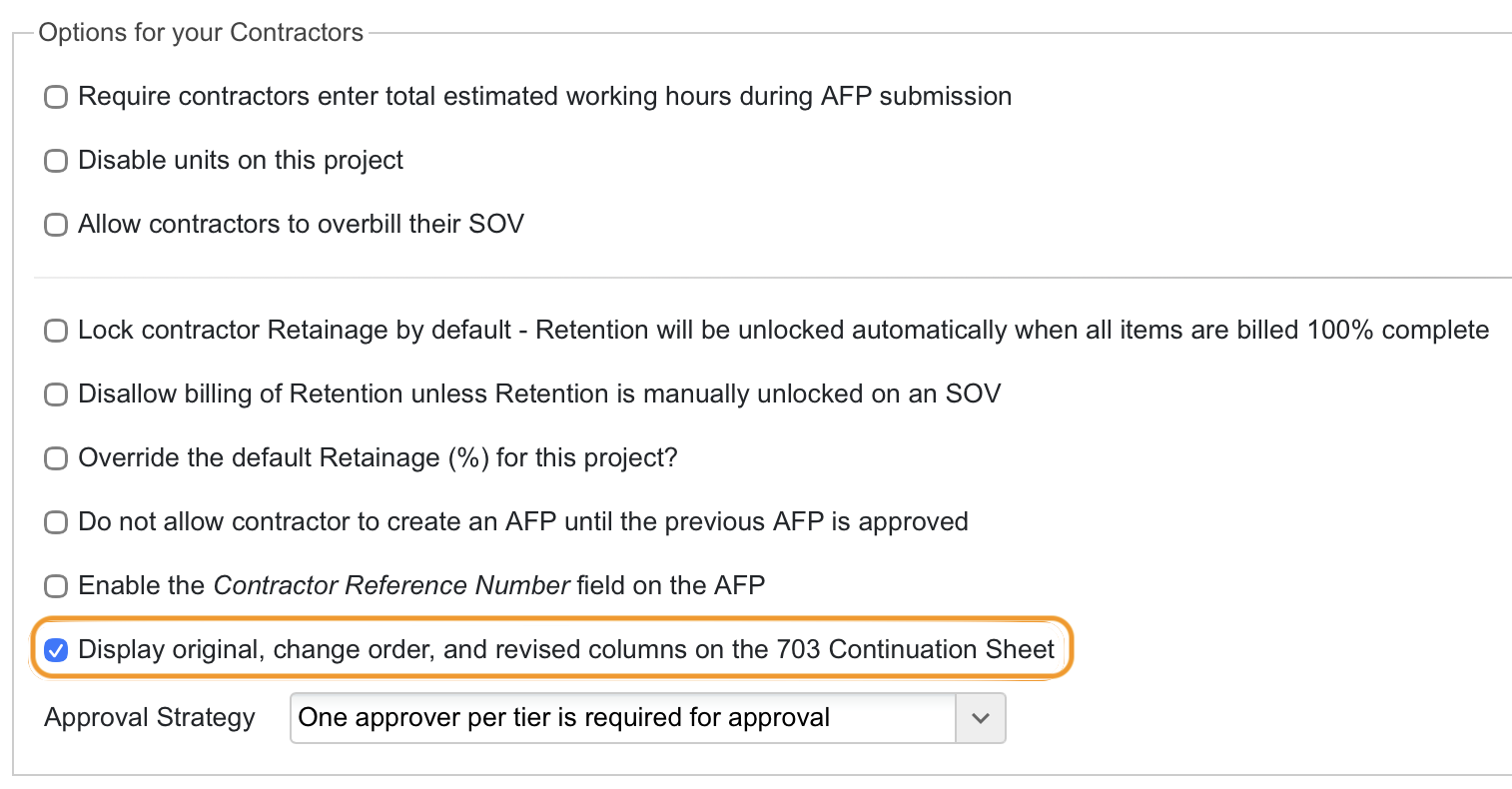
For clients using change orders, we've added the option to show an SOV's original, changed, and adjusted amounts in separate columns on the G703 Continuation Sheet. This is an opt-in setting at the project or default company level.
Automatic ERP Payment Reconciliation Updates
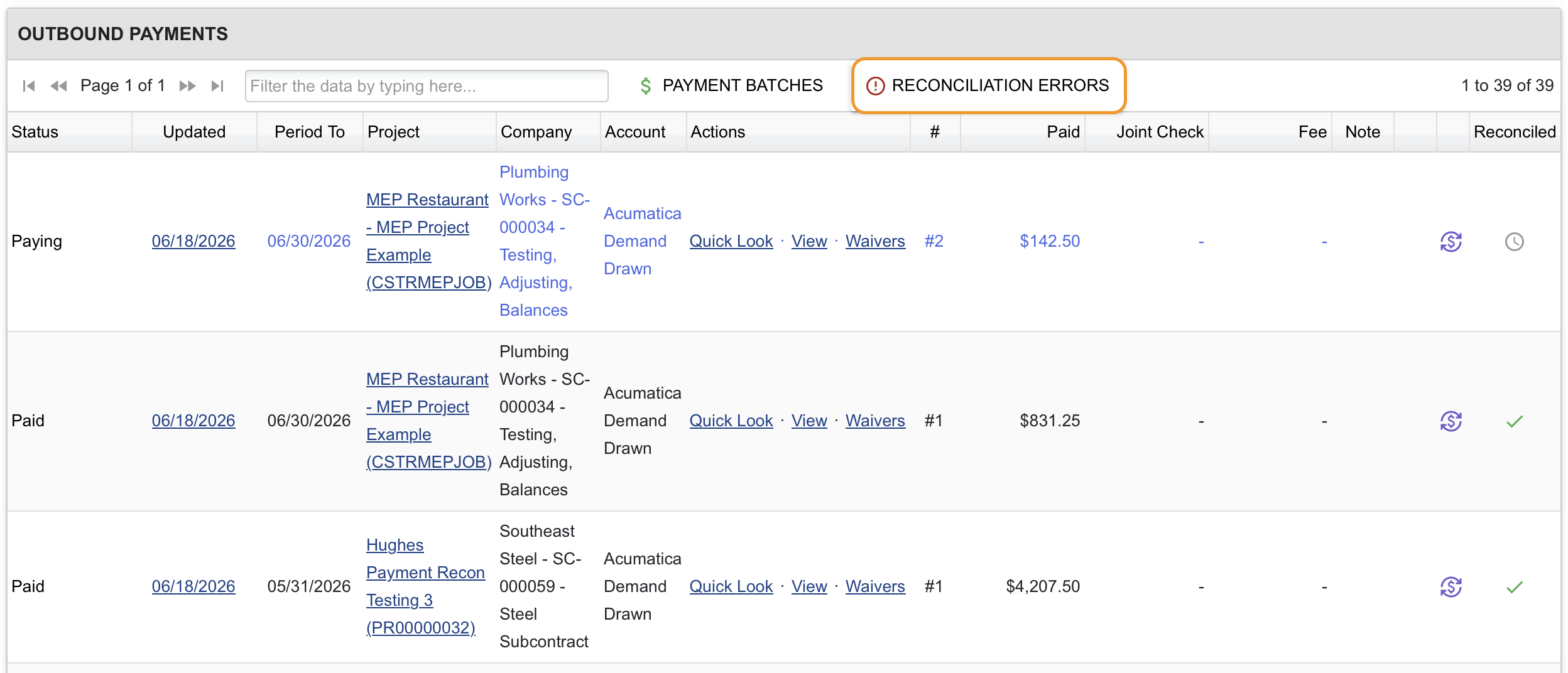
Across our Intacct, Acumatica, and Autodesk Forma Cost Management integrations, reconciliation failures now surface a specific, readable error message directly in GCPay, rather than simply marking a payment as 'not reconciled' with no explanation. This makes it much faster to identify and resolve sync issues without needing to contact support. These errors are visible by selecting the Reconciliation Errors button from the project or company-level Epayments tab, and can be downloaded in PDF and XLSX.
Security Updates
We strengthened account security with stricter password requirements and closed a couple of information-disclosure gaps in password reset and document link handling, as part of our ongoing security hardening efforts. We also added stricter rate limiting on registration and account confirmation, and tightened validation on PDF-generation requests to prevent misuse.
Bug Fixes and Smaller Updates
Payments and Approvals
Several fixes improve the accuracy of the tiered approval routing. Pending approval counts now update on the dashboard correctly, and items no longer linger incorrectly in a reviewer's actionable list after their approval tier has already acted.
Contract Mapping Accuracy for Integrated ERP Subscribers
We fixed a data-integrity issue affecting clients using Forma Cost Management, Spectrum, or Viewpoint integrations, where change-order line items with duplicate reference keys from the accounting system could be matched to the wrong existing line during sync, silently scrambling change-order mappings and throwing SOV totals out of balance with the ERP. GCPay now detects these collisions and automatically switches to a more precise, content-aware matching method to keep contract data accurate.
Compliance Payment Blocker
We fixed an issue where subcontractor compliance that had expired between nightly checks could slip through and fail to block electronic payments as expected; expired items now consistently block payment and display correctly as Expired. Separately, when a project is configured not to enforce compliance holds when ePayments is enabled, the Payment Holds screen now clearly flags outstanding compliance items as a soft warning rather than incorrectly showing everything as clear.
Queued Payments
We added a safeguard that prevents a queued payment from being released if the intended payee's bank account has since become invalid.
Registration
We removed a restriction that required a subcontractor to fully complete registration before a general contractor could set up their SOV. GCs can now get a sub's schedule and change orders in place as soon as they're invited, without waiting on the sub to finish signing up. (Payments and ACH payout still require the sub's registration, since banking details are collected as part of that process.)
Geography
US Virgin Islands is now available in the state dropdown on both Project Settings and Company Information.